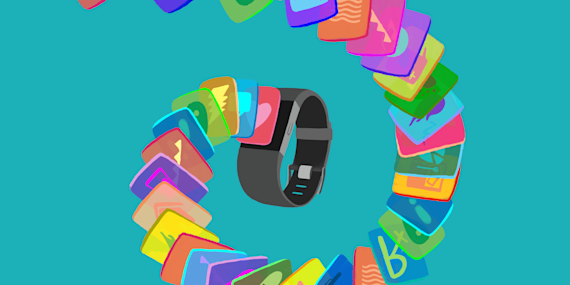
Withings smart products and devices become even smarter and more powerful when they are powered by IFTTT. Integrations with your smart home, software, and data tracking tools make it possible for you to do even more with your wearables, scale, and sleep analyzer.
Withings triggers
Withings has two triggers that can be used to begin your automations or send data to another source. You can trigger an Applet when your activity from the previous day is tracked or when a new weight is added.
Explore top Withings Applets below or create your own in a few quick clicks.
-
Log new Withings weight entries to Google Sheets

-
-
Update Strava weight from new Withings weigh-in
-
-
Log new Withings weight to Fitbit automatically
-
-
Log new Withings weight to Google Calendar
-
-
Log Withings weight readings to Evernote automatically
-
-
Send new Withings weight readings to Amba

-





Withings Sleep
Withings Sleep is a sensor that tracks your heart rate, sleep cycles, and even has snoring detection. Improve your sleep quality and quantity using the power of data and the possibilities of integration.
With IFTTT and Withings Sleep you can integrate your smart home to modify the temperature at night or turn off the lights if you fall asleep and forget. With the triggers available using the sleep sensor you can export the data from your last night of sleep, begin an automation when you go to sleep, or trigger an event when you wake up.
-
Turn off Philips Hue lights when Withings Sleep detects you’re in bed

-
-
Log Withings Sleep bedtime to Google Sheets
-
-
Turn on Philips Hue lights when you get out of bed
-
-
Log Withings Sleep wake-up times to Google Sheets
-
-
Mute Android ringtone when I get into bed with Withings Sleep
-
-
Set Philips Hue scene when Withings Sleep detects you’re up
-
-
Set a Philips Hue scene when you get into bed
-
-
Log bedtime from Withings Sleep to Google Sheets
-
-
Turn off Yeelight when I get into bed with Withings Sleep
-



Explore
Want to do even more with IFTTT? Explore the possibilities and create powerful experiences by making your own Applets.