Ask a hundred people how they'd automate their day, and you'll get a hundred different answers. But scroll through enough of them and a pattern shows up. One person's tired of copying the same link into three different apps. Another keeps meaning to check a feed and never does. A third just wants the lights to figure it out on their own for once.
That's basically what happened in a giveaway thread on r/TechImpact, when the prompt was simple: how would you use IFTTT to automate your daily life or workflow? A few hundred comments later, the answers turned into something more interesting than a prize drawing. They turned into a snapshot of what real people are trying to solve on any given Tuesday.
IFTTT (If This Then That) connects the apps, devices, and services you already use so they work together automatically. Smart bulbs, RSS feeds, social platforms, spreadsheets, you name it. Instead of moving information between them by hand, you set it up once and IFTTT handles the rest.
Some answers in the thread were practical to the point of being mundane. Others got genuinely clever. Taken together, they're a good reminder that automation isn't really about flashy tech. It's about shaving friction off the parts of life that shouldn't take this much effort in the first place.

When the house (and the car) knows
Smart home automation showed up again and again in the thread, but rarely in the obvious "turn my lights on" way. One user described checking the weather and using it as a trigger for smart bulbs.
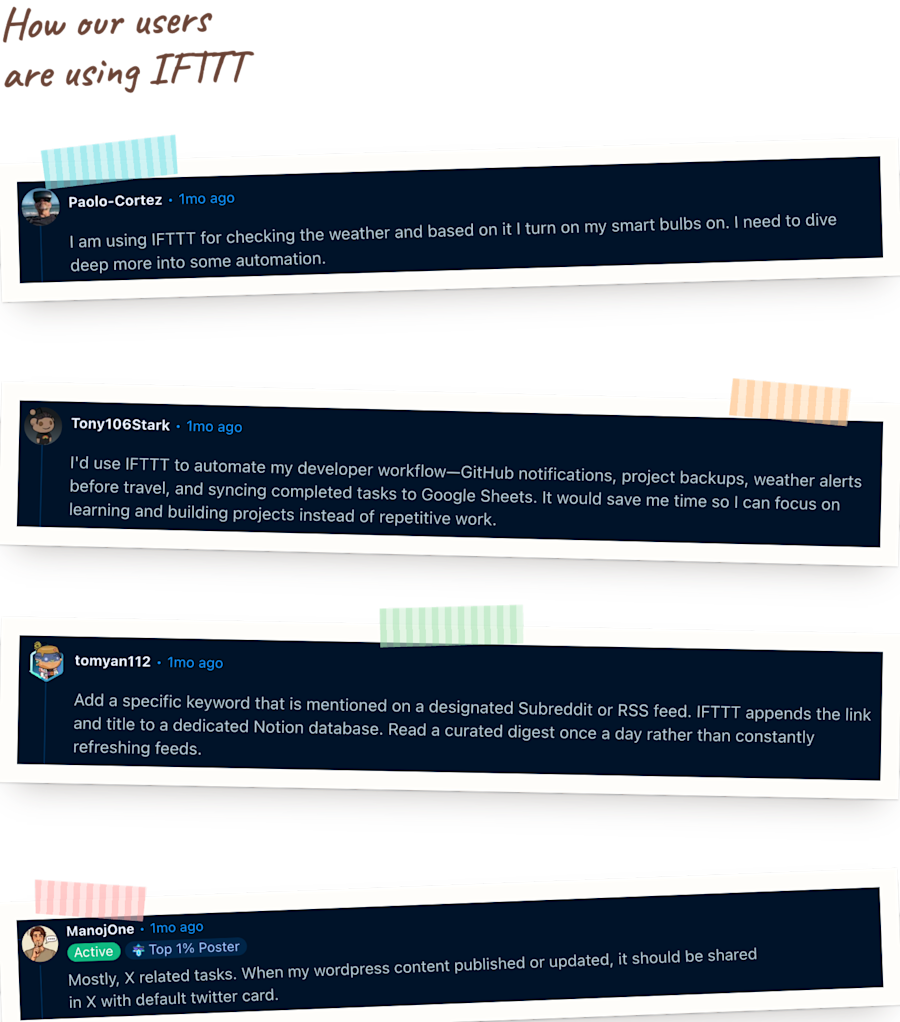
"Checking the weather and based on it I turn on my smart bulbs."
That's the same idea behind running a Smart Life scene when the weather changes: pick the condition, pick the scene, and let the weather handle the rest. Another wanted lights that greet them the moment they walk in: turn on Philips Hue lights when you arrive home.
The trickier conversation, though, was about triggers rather than actions. One commenter had the "then" part fully built out (a script that sends location to their own server) but was stuck on the "if."
"I don't have a way to automate the part of me leaving the car."
The answer that came out of the thread was clever in its simplicity. Instead of adding new hardware, use the phone's Bluetooth connection to the car stereo. The moment you shut the car off and walk away, that connection drops, and the disconnect itself becomes the trigger. The building blocks for this already exist on Android Device and webhooks, even without a premade Applet for this exact combination.
It's the same trigger behind a couple of Applets already live and doing something similar: get an IFTTT notification when Android Bluetooth disconnects, and turn on Android Do Not Disturb when Bluetooth connects, the second one is literally built around the car-and-headset use case, just aimed at silencing notifications instead of sending a webhook.
It's a good example of how automation problems rarely start with "what should happen." They start with "how do I even know when to act."
-
Run a Smart Life scene when the weather changesby
 248
248
-
-
Turn on Philips Hue lights when you arrive homeby
56.1k
-




What your inbox shouldn't have to remind you
A handful of commenters were clearly thinking about their jobs, not just their homes. One described a whole developer workflow.
"Automate my developer workflow, GitHub notifications, project backups, weather alerts before travel."
Getting notified the moment something needs attention, instead of finding out later, is exactly what an Applet like post new GitHub issues to a Slack channel is built for.
Another shared something narrower but just as relatable, describing how they'd used IFTTT for a different kind of alert.
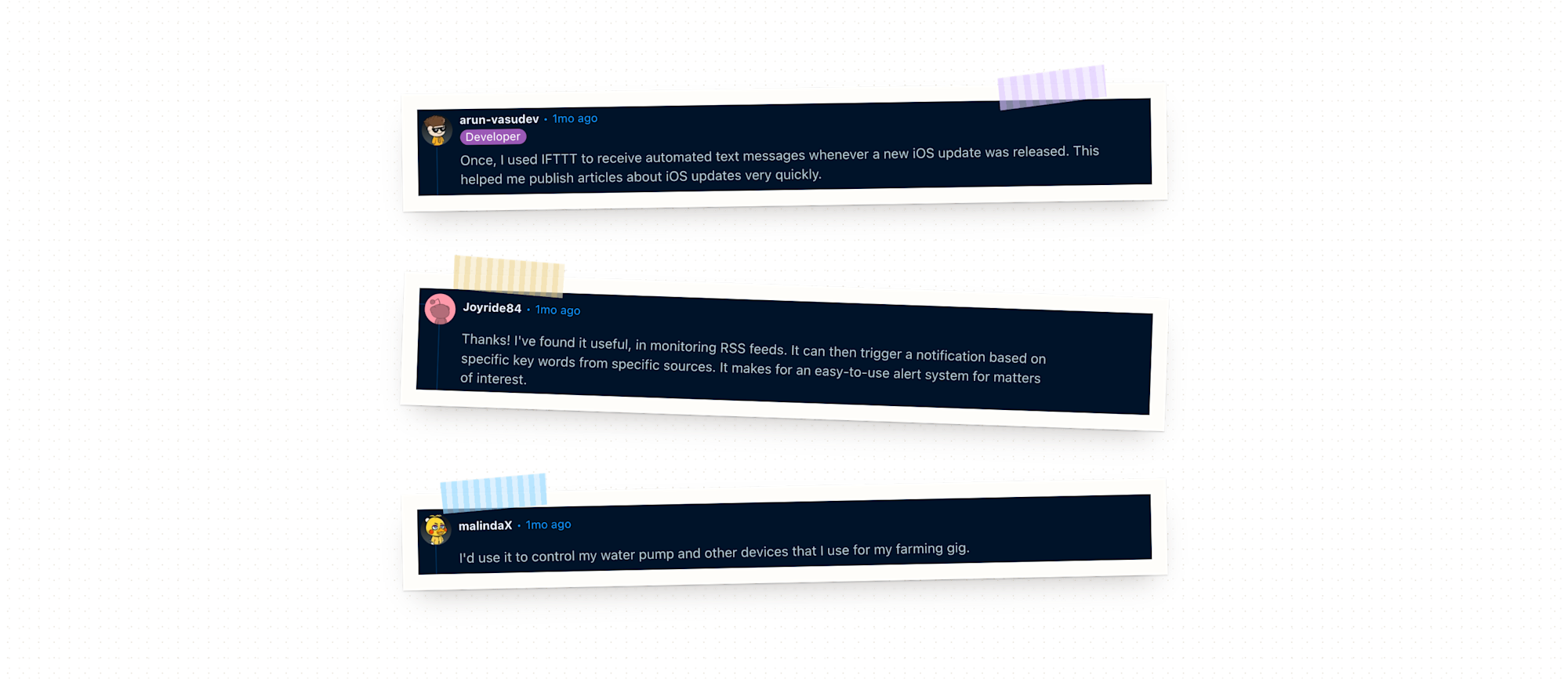
"Used IFTTT to receive automated text messages whenever a new iOS update."
That alert meant coverage could go out faster the moment a new version dropped. It's the same idea behind get an IFTTT notification for new Apple App Store updates: plug in any app's name and get pinged the moment it releases a new version. Small trigger, real edge if you're in the business of being first with the news.
-
Post new GitHub issues to Slack channelby
233
-
-
Get IFTTT notification for new Apple App Store updatesby
4.21k
-




The feed you actually read
A theme that kept surfacing was information overload, and more specifically, wanting to stop checking feeds constantly and get a single, curated update instead.
One user described watching for a specific keyword and having it land automatically in a running list.
"Add a specific keyword that is mentioned on a designated Subreddit or RSS feed."
That's the habit becoming one digest a day instead of refreshing five different feeds. It's essentially this Applet: add new RSS feed items to a Notion to-do list, triggered only when a chosen keyword shows up.
Another had a version of the same instinct, but starting the day instead of ending it, describing simply what they wanted.
"Email me in the morning if it is going to rain."
That one already exists too: 6AM weather forecast email.
Sometimes the best automation isn't complicated. It's just permission to stop checking something manually.
-
Add new RSS feed items to a Notion To-Do listby
-
-
Get a 6:00 AM Weather Underground email forecastby
59.8k
-



One post, everywhere it needs to be
A few commenters were clearly balancing content work across multiple platforms, and their answers read like a to-do list for anyone doing marketing solo. One described their setup, on top of wanting to cross-post between Instagram and X and generate content ideas from current events.
"Using IFTTT for automating daily emails based on my Google calendar events."
The cross-posting piece already exists, too: post new Instagram photos as native images on X.
Someone else described something similar from the publishing side, wanting new posts to promote themselves the moment they go live.
"My WordPress content published or updated, it should be shared in X."
That's this one: post new WordPress blog updates to X.
-
Post your new Instagram photos as native images on Xby
604k
-
-
Post new WordPress blog updates to X (Twitter)by
3
-



Beyond the desk
Not every use case in the thread was about screens. One commenter mentioned wanting to automate something further from a desk than most.
"Control my water pump and other devices that I use for my farming gig."
It's a good reminder that "automate my life" means very different things depending on whose life it is. It's the same instinct behind an Applet like delay Rachio watering when rain is forecast: let the weather decide when irrigation actually needs to run, instead of watering on a fixed schedule regardless of conditions.
There's also get an IFTTT notification when Rachio watering starts, for knowing a cycle kicked off without having to check the app.
-
Delay Rachio watering when rain is forecastby
-
-
Get IFTTT notification when Rachio watering startsby
12
-

Trending Applets to try
Somewhere between the porch light and the water pump, a pattern starts to emerge: the automations people gravitate toward aren't the flashy ones, they're the ones that close a gap they'd stopped noticing. These ten are what's trending right now, for exactly that reason. Turn one on today, and by next week you'll wonder how you were ever doing it manually.
-
Upload new iOS Photos to Google Photosby
56
-
-
Save Telegram photos to Google Photosby
8
-
-
Start music playback with a button tapby
258k
-
-
Automatically unmute your Android when you get back homeby
173k
-
-
Add new Longreads posts to your weekly email digestby
59
-
-
Email RSS post summaries as new items publishby
388
-
-
Email Gemini summary for Feedly saved articlesby
9
-
-
Smart Email Task Extractorby
20
-
-
Send a weekly meal plan by Emailby
43
-
-
Email yourself Claude’s summary of new Twitter mentionsby
6
-













The common thread
What's interesting isn't any single automation from the thread. It's the range. In one conversation, someone's automating a porch light, someone else is automating a farm pump, and someone else is automating their entire content calendar. The common thread is that each person spotted a small, repeatable moment in their day and asked: does a human really need to do this part?
Most of the time, the answer was no. That's really what IFTTT has been for since day one: connecting the things you already use so the small, repeatable stuff runs on its own. And increasingly, that "if" doesn't have to be a rigid trigger you configure once. With IFTTT's Chat create, you can just describe what you want in plain language, and IFTTT figures out the rest.