Connect AI tools to
1,000+ services with IFTTT
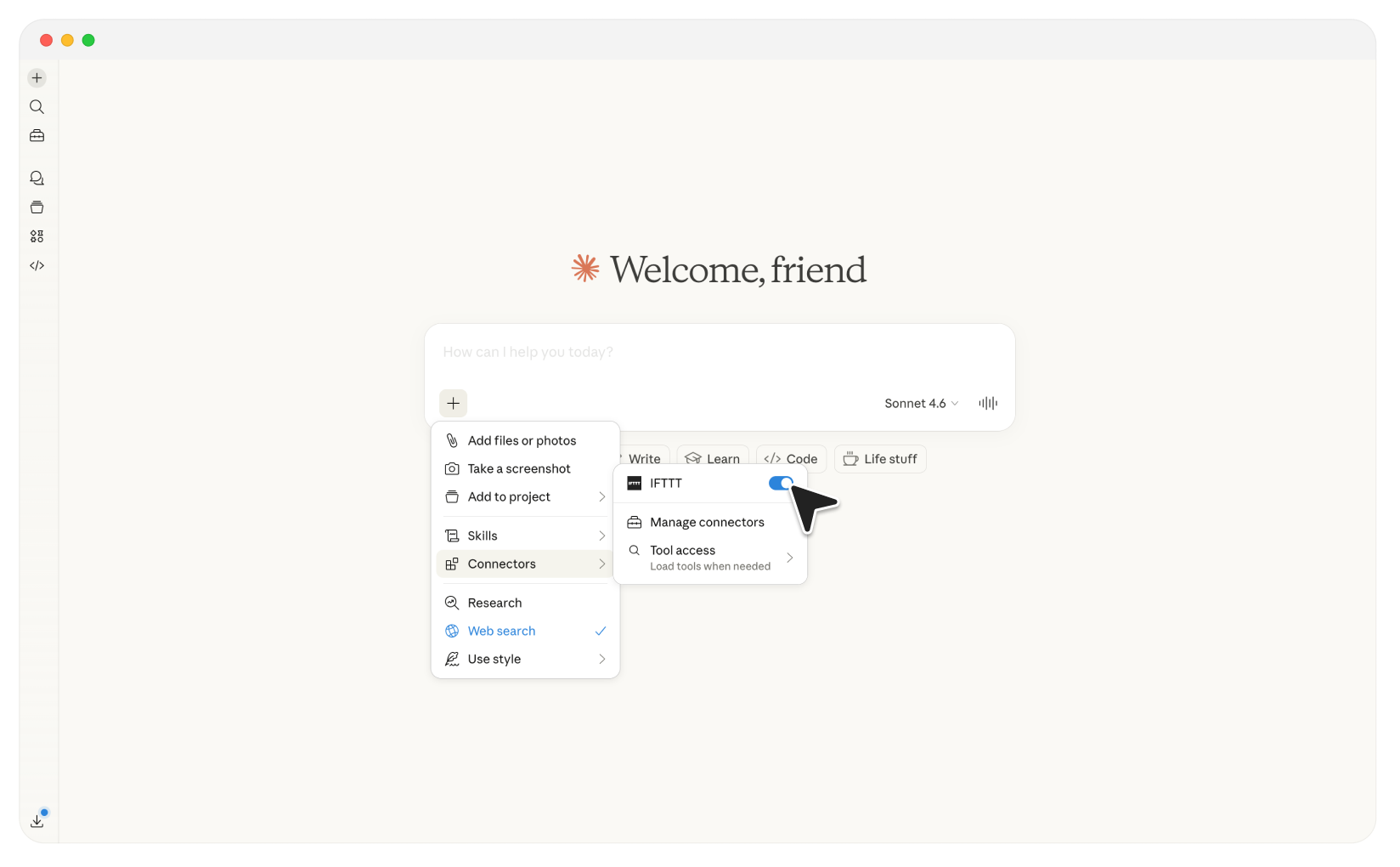
Your favorite AI tools can now do more than answer questions. Let Claude search, build, and run automations across 1,000+ services and 50M+ applets with the IFTTT MCP Server.
Explore what is possible with the IFTTT MCP
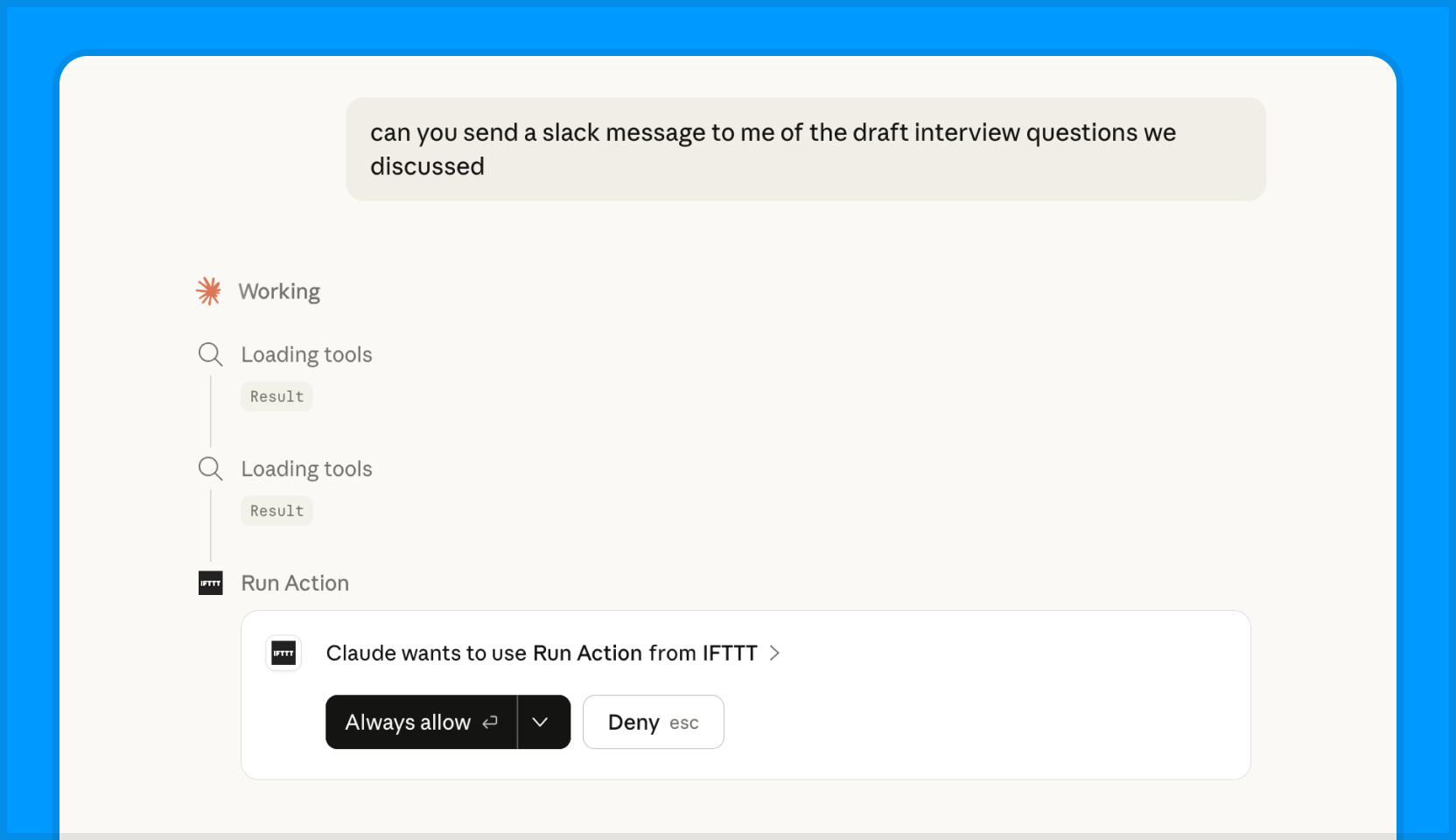
Real actions across your apps with a single prompt
Ask Claude to send a Slack message, log a task, or post an update and it will happen immediately. No copy-pasting required.
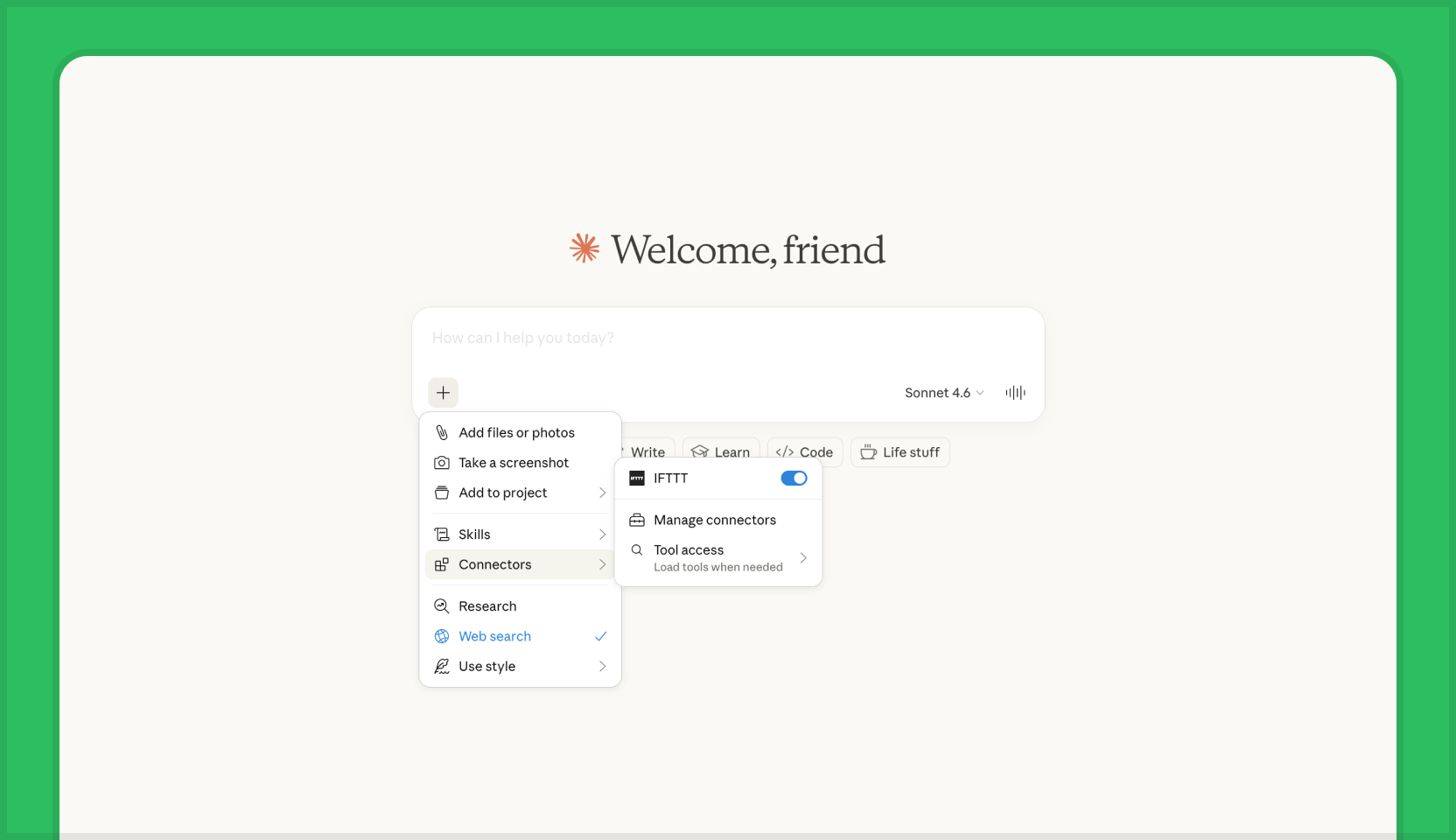
Turn a description into a live automation
Tell AI what you want to automate in plain language and it can create Applets on your behalf.
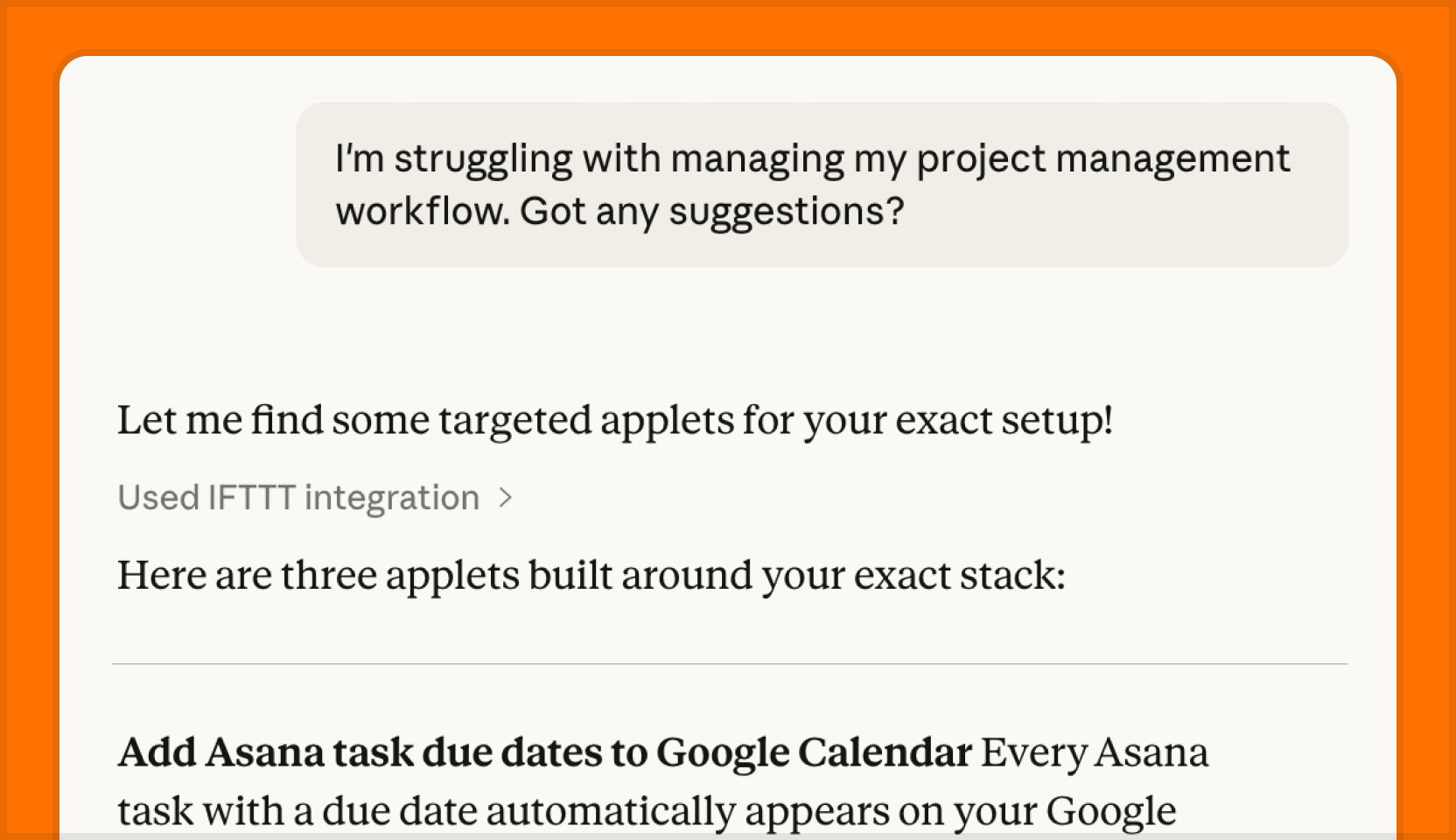
Optimize your workflows by finding new Applets
Discover time-saving Applets with ease when you describe your goals to AI.
How to get started with the IFTTT MCP
The IFTTT MCP server adds your IFTTT services and automation tools to your favorite agentic tools.
Pick your AI tool to see how to connect it to IFTTT.

Claude
Go to the Customize page.
Connect, authenticate, and activate the toggle during conversations.

Claude Code
Run this command in your terminal:
claude mcp add --transport http ifttt https://ifttt.com/mcp
Start Claude Code and run /mcp to connect to the server.
Complete the OAuth sign-in in your browser to finish.

ChatGPT
Ensure you're signed up for a paid plan and have Developer mode turned on.
Turn on Developer modeName it “IFTTT MCP” and paste the server URL below:
https://ifttt.com/mcp
Leave authentication as OAuth, and click “Create.”
Connect, authenticate, and activate the toggle during conversations.
Custom MCP connector support in ChatGPT is rolling out gradually — availability depends on your plan.

Cursor
Add IFTTT to Cursor in one click, then authenticate when Cursor prompts you.
Add IFTTT to CursorOr manually open Cursor, go to Tools & Integrations → Add Custom MCP, and paste this into mcp.json:
{
  "mcpServers": {
    "ifttt": {
      "url": "https://ifttt.com/mcp"
    }
  }
}
Save it.
Then click "Connect" next to IFTTT to authenticate with OAuth.

CoPilot
In Copilot Studio, open or create an agent with generative orchestration enabled.
Open Copilot StudioGo to Tools > Add a tool > Model Context Protocol, then add a custom MCP server with the URL below:
https://ifttt.com/mcp
Set transport to Streamable HTTP and authentication to OAuth 2.0, then add the server.
Register the callback URL Copilot Studio returns with IFTTT, then add the server to your agent.
MCP connectors are set up in Copilot Studio, not the consumer Microsoft Copilot app. SSE transport is not supported.

OpenClaw
Open your OpenClaw config file at:
~/.openclaw/openclaw.json
Add IFTTT under the mcpServers section:
{
  "mcpServers": {
    "ifttt": {
      "transport": "http",
      "url": "https://ifttt.com/mcp"
    }
  }
}
Restart the gateway:
openclaw gateway restart
Complete the OAuth sign-in when prompted.

Perplexity
Make sure you're on a paid tier (Pro, Max, or Enterprise).
Go to Settings > Connectors, click “+ Custom connector,” and select Remote.
Open Perplexity SettingsName it “IFTTT MCP” and paste the server URL below:
https://ifttt.com/mcp
Acknowledge the risk checkbox, then click “Add.”
Click the connector card to authenticate with OAuth, then enable it under Sources.
What is MCP?
Model Context Protocol (MCP) is like a special set of rules that lets AI helpers (like Claude) use information from other apps and websites safely.
You can use AI to call IFTTT to create, trigger and access 1,000+ integrations. Send a Slack message, turn on your Hue lights, or create your next Applet, all from a chat in Claude.
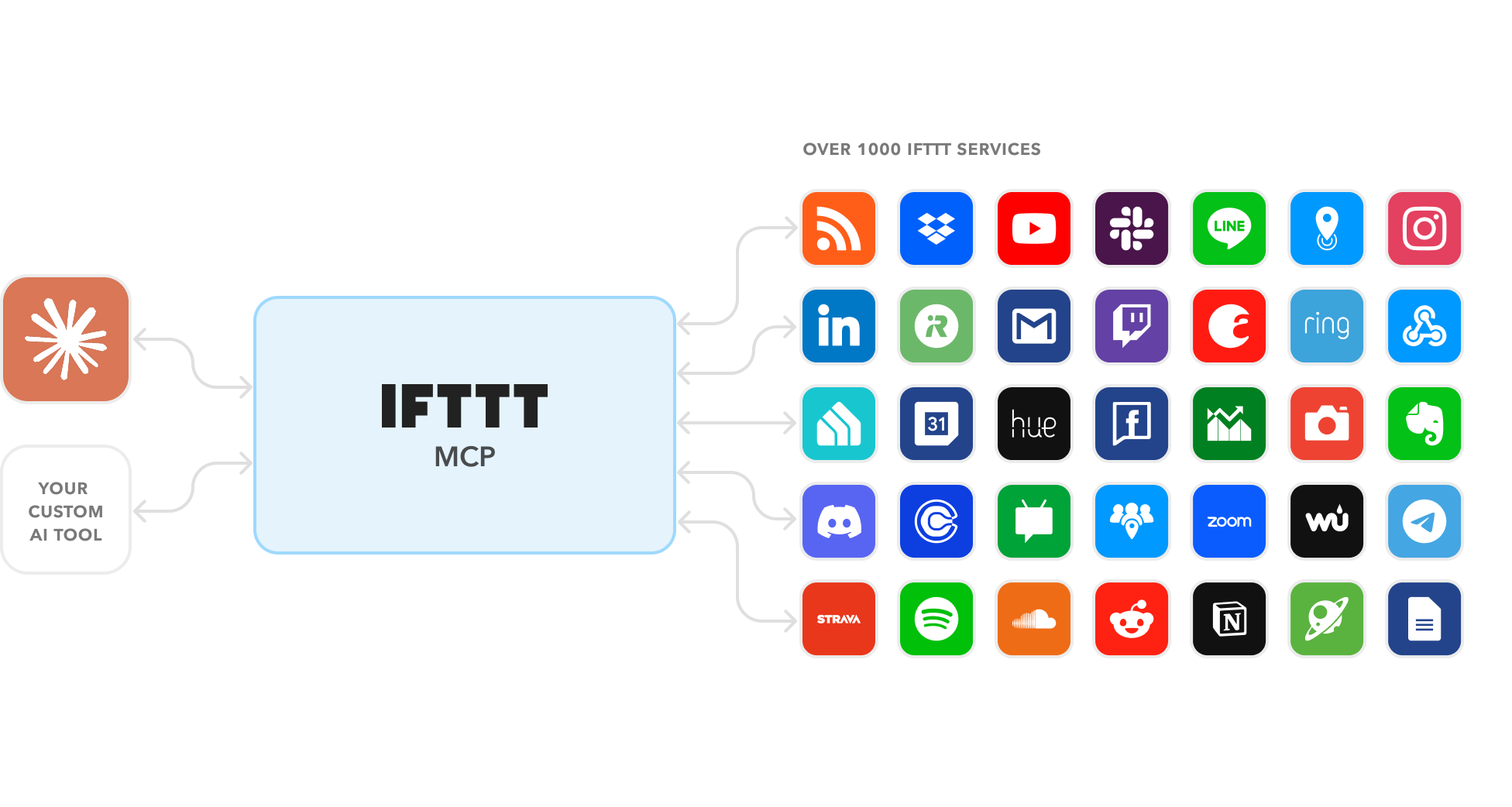
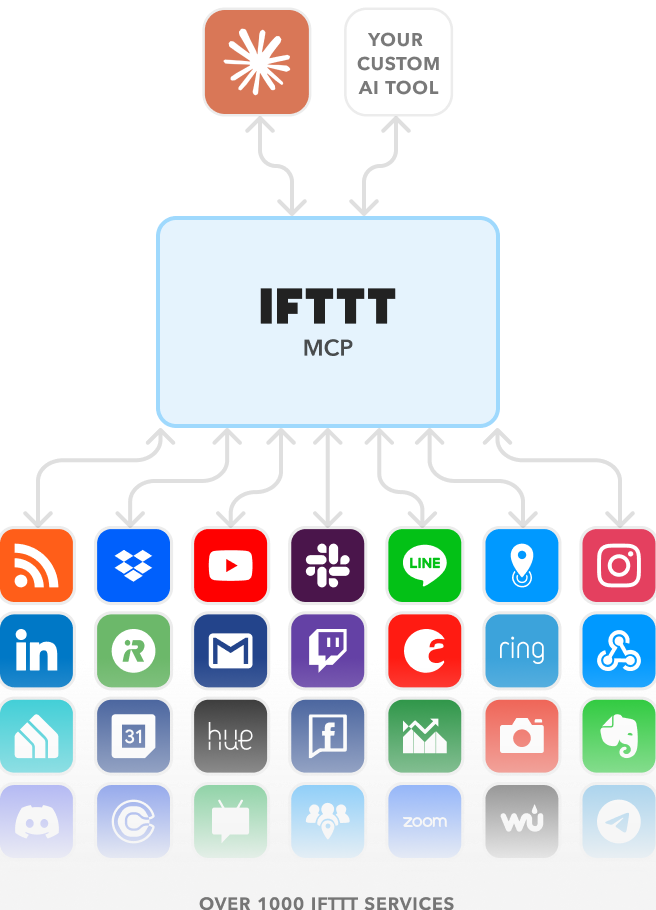
AI can tap into 1,000+ apps through IFTTT MCP
 Todoist
 Notion.so
 Notifications
 RSS Feed
 Google Docs
 Airtable
 ClickUp
 Evernote
 Gmail
Gmail
 Philips Hue
 Twitch
 August
 Google Calendar
 Ring
Ring
 iRobot
 Instagram
 Dropbox
 Slack
Slack
How does IFTTT work?
Connect to your services
IFTTT has over 1,000 services, bound to include your everyday app stack.
Automate with Applets
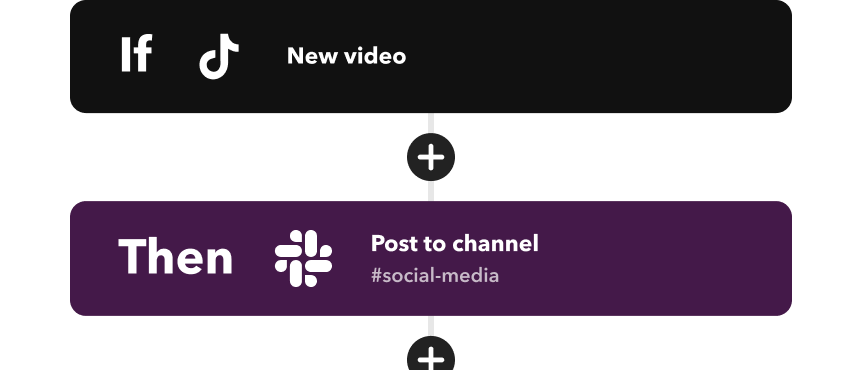
Customize triggers and actions to save you time with Applets. Create your own or choose from our published library.
Let automation do the work
You're all set after you've created and enabled your Applets. IFTTT now automates your everyday workflows.
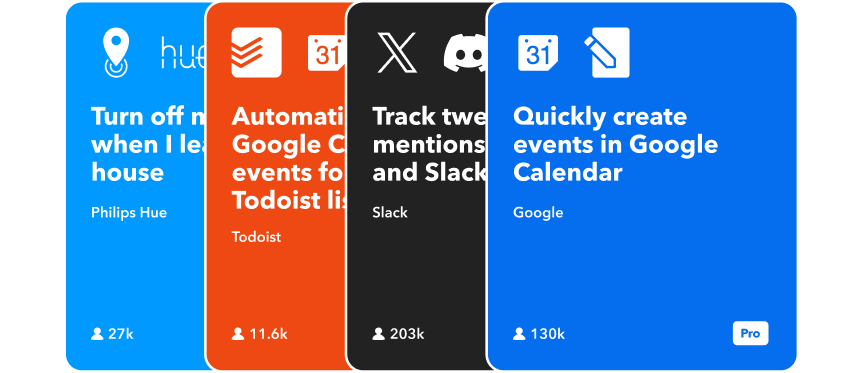
Get inspiration from others
I use IFTTT for my business in many ways: automating social media posts, managing email notifications, tracking expenses and invoices, and streamlining project management.

Dirk Vos
Consultant
I use IFTTT to automate the publishing of my blog posts to various sites. I also publish my blog posts on my Facebook page using an RSS feed integration.

Steve Karmeinsky
Automation Guru
Start using IFTTT MCP in your AI workflow
Sign up for free